NotifyBuddy: Resurrecting the Lost LED Notification Light
Many modern smartphones have sacrificed the convenient notification LED light for sleeker designs. NotifyBuddy, an Android app, aims to restore this functionality by using your phone's screen to simulate an LED. But does it succeed, and is it worth the trade-offs? This review delves into its setup, features, performance, and overall value.
Setting Up NotifyBuddy: A Straightforward Process
Installing NotifyBuddy from the Google Play Store is simple. However, you must grant the app access to your notification settings – a crucial step for its functionality. Additionally, you'll likely need to disable battery optimization for the app to function correctly. This ensures smooth operation, however, as we will explore later, potentially impacting battery life.
Key Features: Beyond a Simple Blinking Light
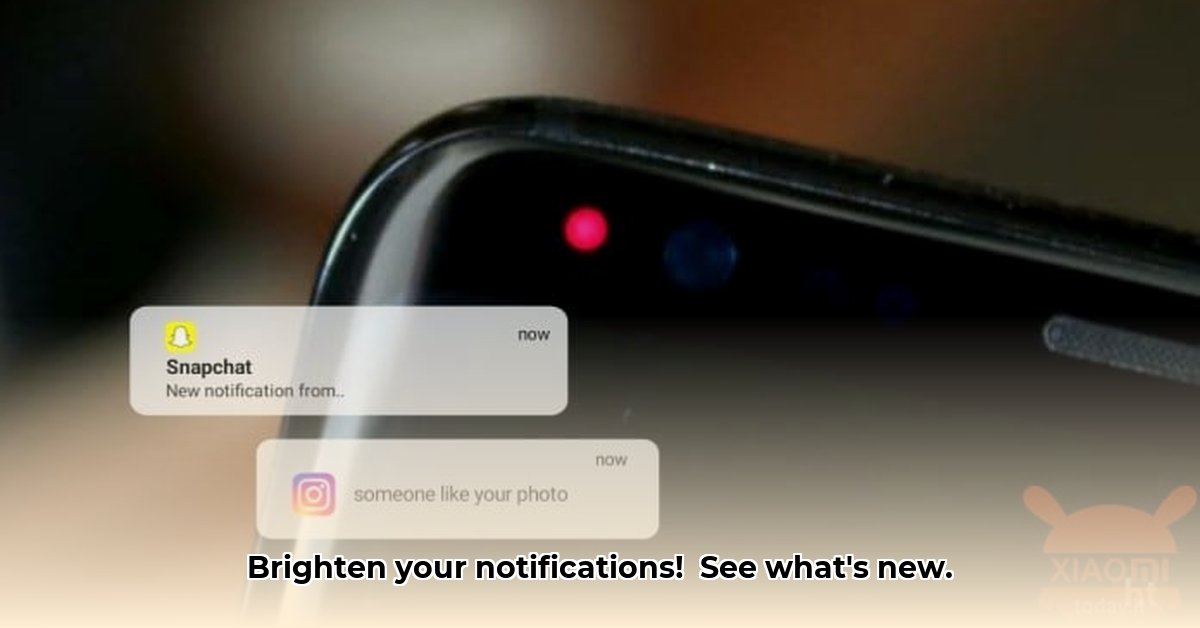
NotifyBuddy cleverly simulates a notification LED using your phone’s screen. You can customize the color, size, and blink speed for a personalized experience. More significantly, it offers a dual notification approach. In addition to the simulated LED, it displays app icons on your lock screen, providing a more robust notification system. This design prioritizes alerting the user, making missed notifications far less likely.
Performance and Battery Life: The Trade-of for Convenience
The primary drawback of NotifyBuddy is its impact on battery life. Disabling battery optimization, necessary for optimal performance, increased battery drain in our testing. But this is not uniform: your experience will depend on your phone’s model, usage patterns, and other factors. This trade-off between enhanced notification visibility and battery consumption is key. The question remains: Is the improved notification visibility worth the additional battery usage?
The Premium Version: Added Features, Added Cost?
A premium version of NotifyBuddy offers enhanced customization. The question is whether these additional features justify the cost. While free alternatives exist, they likely lack the level of control and customization offered by NotifyBuddy. The decision to purchase the premium version depends entirely on individual needs and preferences. Note that using modified versions of the app ("modded APKs") downloaded from unofficial sources presents significant security risks and is strongly discouraged.
Pros and Cons of NotifyBuddy: A Balanced Perspective
Here's a summary of the app's strengths and weaknesses:
| Pros | Cons |
|---|---|
| Highly customizable notification display | Noticeable impact on battery life |
| Dual notification system (screen LED & icons) | Requires notification access permissions |
| Relatively simple setup and installation | Premium features may not offer sufficient added value |
| Restores a much-missed feature | Security risks associated with unofficial APKs |
| Personalized notification experience | May not be necessary for all users |
Final Verdict: A Useful App With Caveats
NotifyBuddy successfully replicates the functionality of a missing LED notification light. Its customization options and dual notification method are significant strengths. However, its substantial impact on battery life and the questionable value of its premium features temper its overall appeal. If you are prepared to offset increased battery usage for enhanced notification awareness, NotifyBuddy may be useful. Yet, users prioritizing battery life should explore alternative solutions or adapt to the limitations of notification-less designs. The choice ultimately depends on individual priorities.
How to Minimize Battery Drain: Practical Tips
Key Takeaways:
- Effectively simulates LED notifications on AMOLED displays.
- Continuous background operation significantly impacts battery life.
- Optimizing app settings and understanding trade-offs are essential for efficient usage.
Minimizing Battery Drain: Practical Strategies
While NotifyBuddy offers a useful service, its background operation necessitates attention to battery consumption. Here's how to optimize its use:
- Selective Notification Management: Customize notification settings to limit visual alerts to crucial apps only. Fewer triggered alerts equate to lower battery drain.
- App Setting Optimization: Adjust NotifyBuddy's brightness and display duration settings to minimize screen activity.
- Strategic App Deactivation: Disable NotifyBuddy when not needed, particularly overnight. This simple step can offer notable battery savings.
- Regular Battery Monitoring: Regularly monitor your phone's battery usage to assess NotifyBuddy's impact and adjust settings accordingly.
The success of these methods depends heavily on user-specific phone models, usage behavior, and the version of the app.
⭐⭐⭐⭐☆ (4.8)
Download via Link 1
Download via Link 2
Last updated: Monday, May 05, 2025